

Description
Download Word Stacker - Word Game 2019 – word game, puzzle game, word search, brain teaser, word puzzle, word challenge, word solver, word explorer, word finder, word game for adults, word game for kids, word game for seniors, word game for students, word game for learning, word game for fun
Overview
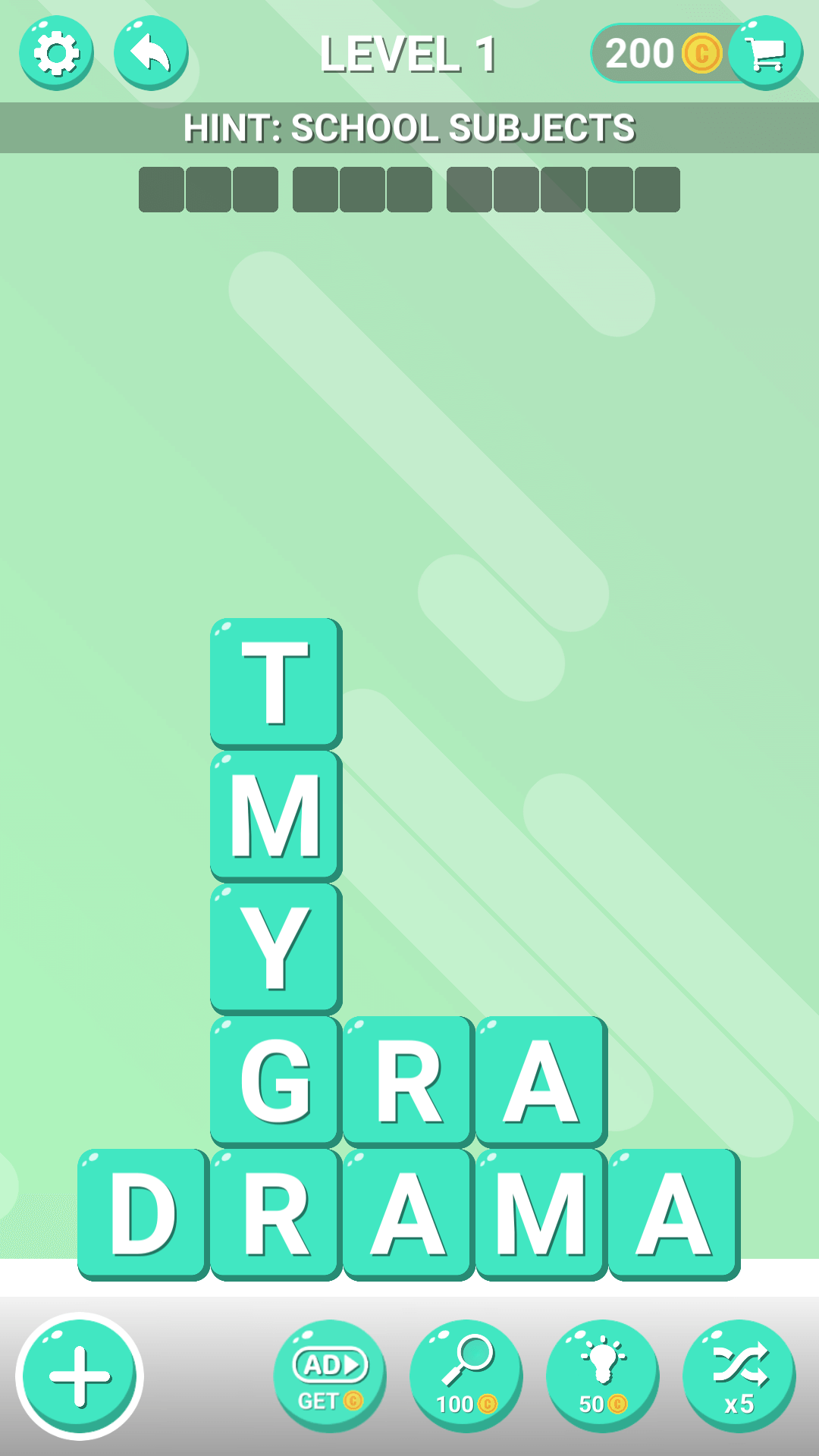
Word Stacker - Word Game 2019 is a dynamic puzzle application designed for individuals seeking engaging, mentally stimulating gameplay centered around word discovery. The app reimagines traditional word search mechanics by introducing a swipe-based interaction model, where players uncover hidden words within a shifting grid structure. This evolving puzzle format adds a layer of strategy and anticipation, transforming each level into a unique cognitive challenge. The game is tailored for word enthusiasts across age groups, including adults, students, seniors, and younger players who enjoy language-based entertainment and mental exercise.
Developed by Word Stacker Games, the app leverages the creative legacy of a studio known for crafting popular word puzzle titles, suggesting a foundation in user-centric design and gameplay innovation. With over 3,000 levels available, the app offers a substantial library of content, ensuring long-term engagement and replayability. Real-world use cases include daily mental warm-ups, educational reinforcement for language learners, and leisure activities for those looking to pass time with meaningful challenges. In the broader mobile app ecosystem, Word Stacker stands out as a dedicated utility for cognitive stimulation and vocabulary building, blending entertainment with subtle educational value.
Key Features & Functionality
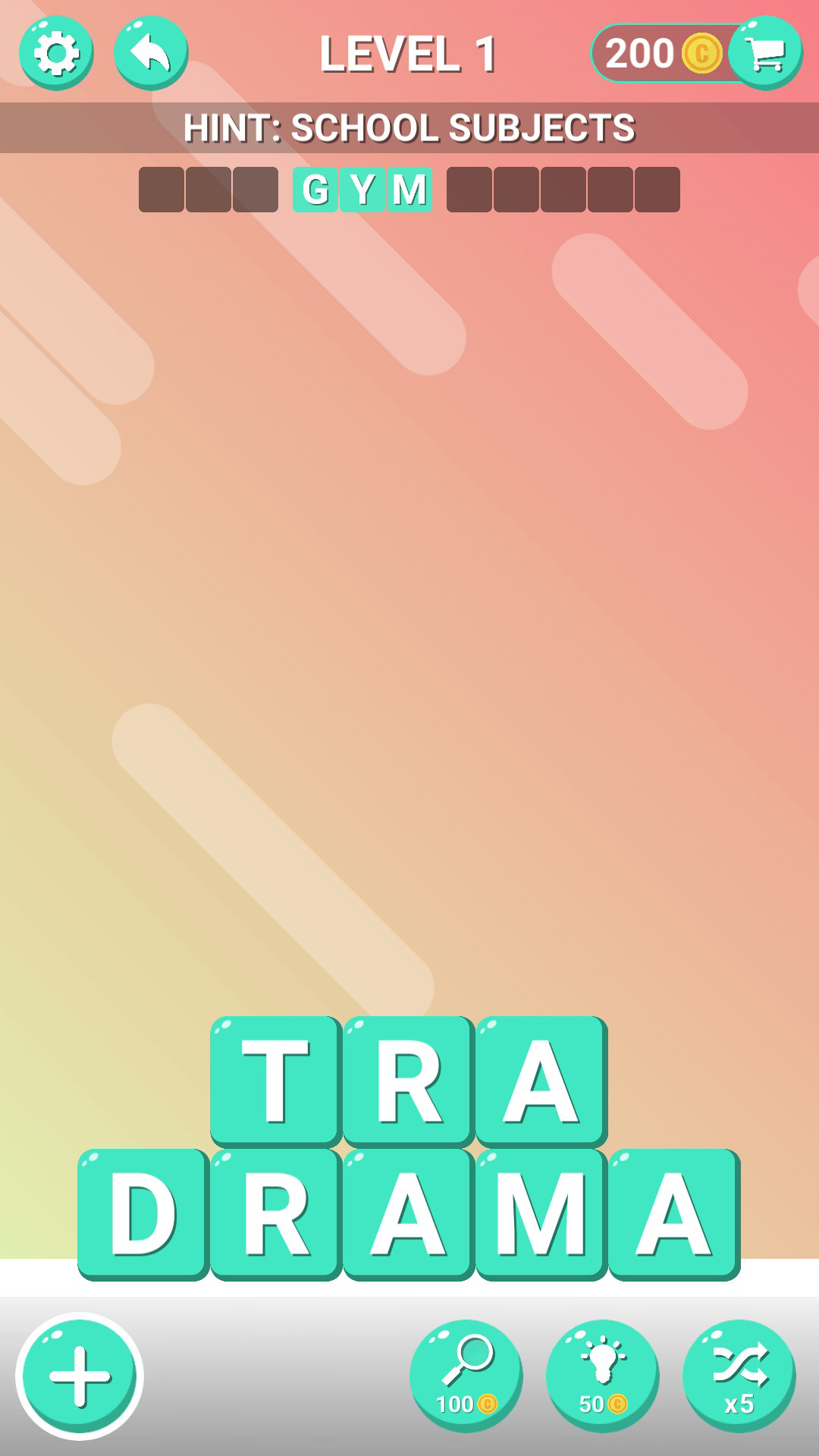
- Dynamic Puzzle Mechanics: Unlike static word searches, Word Stacker introduces a responsive grid that evolves as players uncover words. This creates a sense of progression and visual transformation, enhancing immersion and rewarding strategic thinking.
- Over 3,000 Levels: The extensive level library caters to various skill levels, from beginners to advanced players. New puzzles are periodically introduced, maintaining freshness and encouraging continued play.
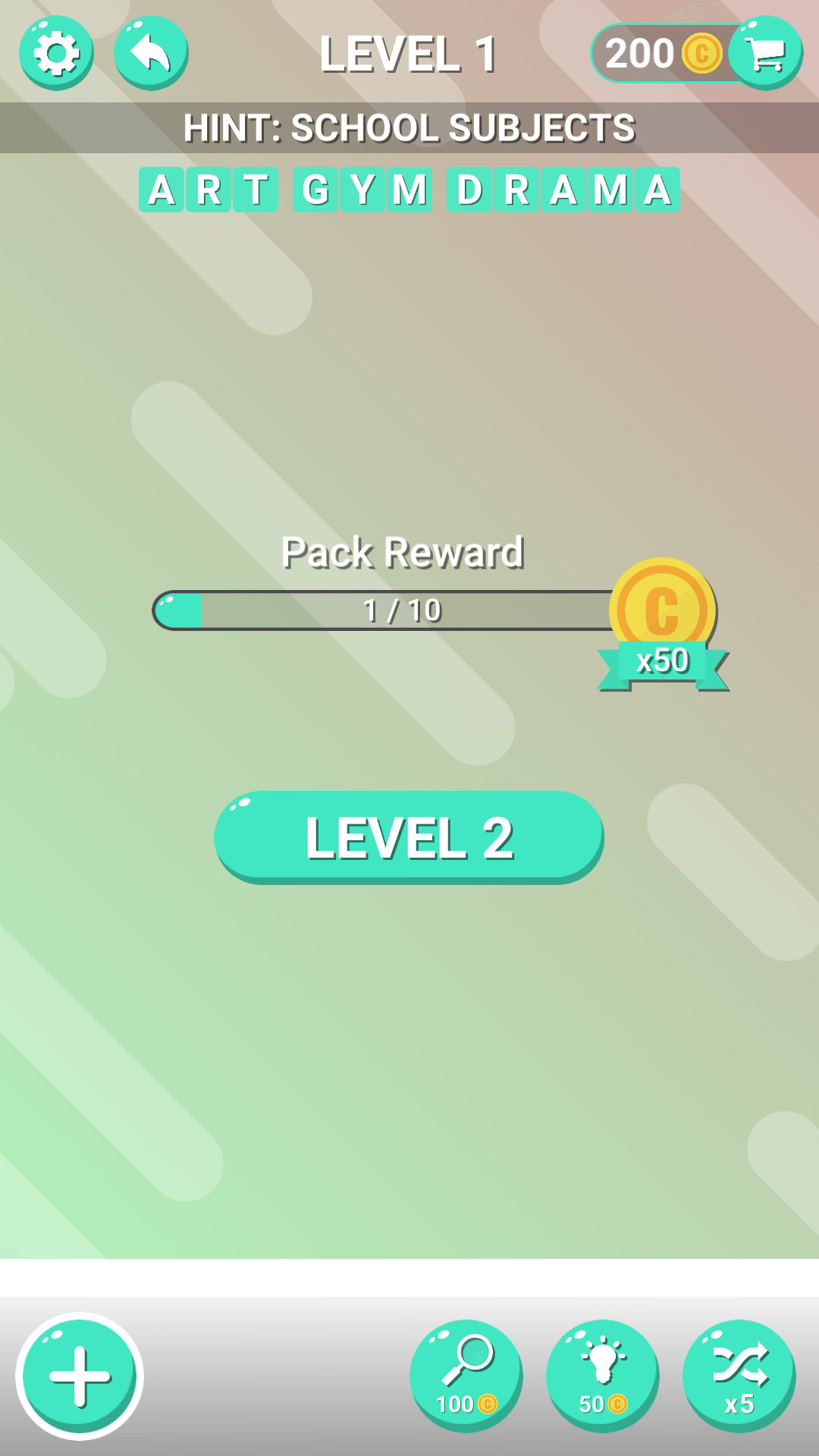
- Power-Ups and Assistance Tools: Players can access tools such as the Spyglass and Light Bulb to reveal hidden words or gain hints, providing support during difficult stages without compromising challenge integrity.
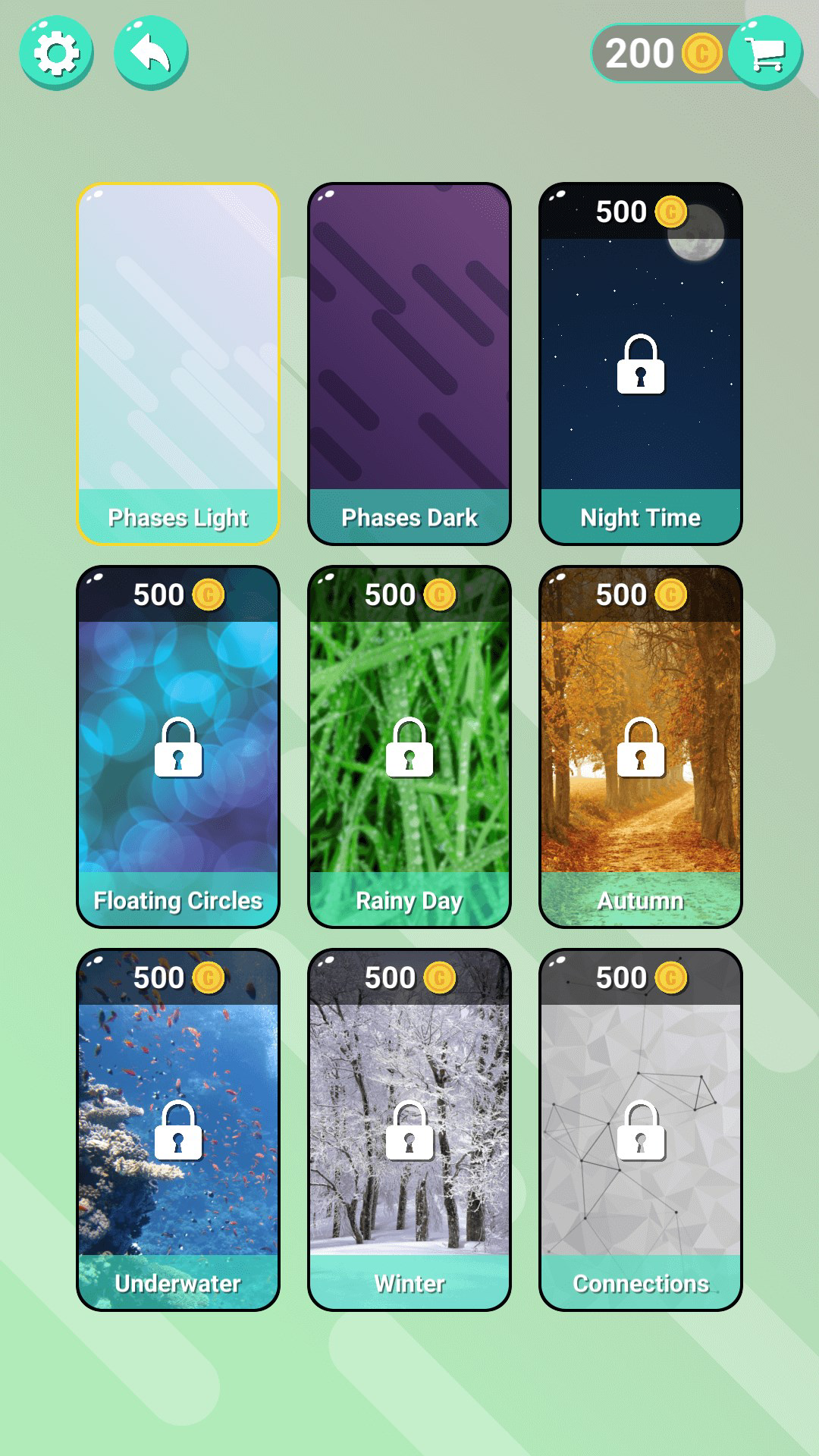
- Customization and Visual Personalization: As players advance, they unlock themes and backgrounds, allowing for a personalized gaming experience that reflects individual style and progress.
- Cognitive Skill Development: The gameplay is structured to promote vocabulary expansion, pattern recognition, and logical reasoning—skills beneficial for both academic and everyday mental agility.
For example, a student preparing for vocabulary exams might use the app as a daily practice tool, while a senior player could enjoy it as a way to maintain cognitive sharpness. The combination of clue-based puzzles and evolving layouts ensures that each session offers a new challenge, making it suitable for both casual and dedicated users.
Interface, UX & Performance
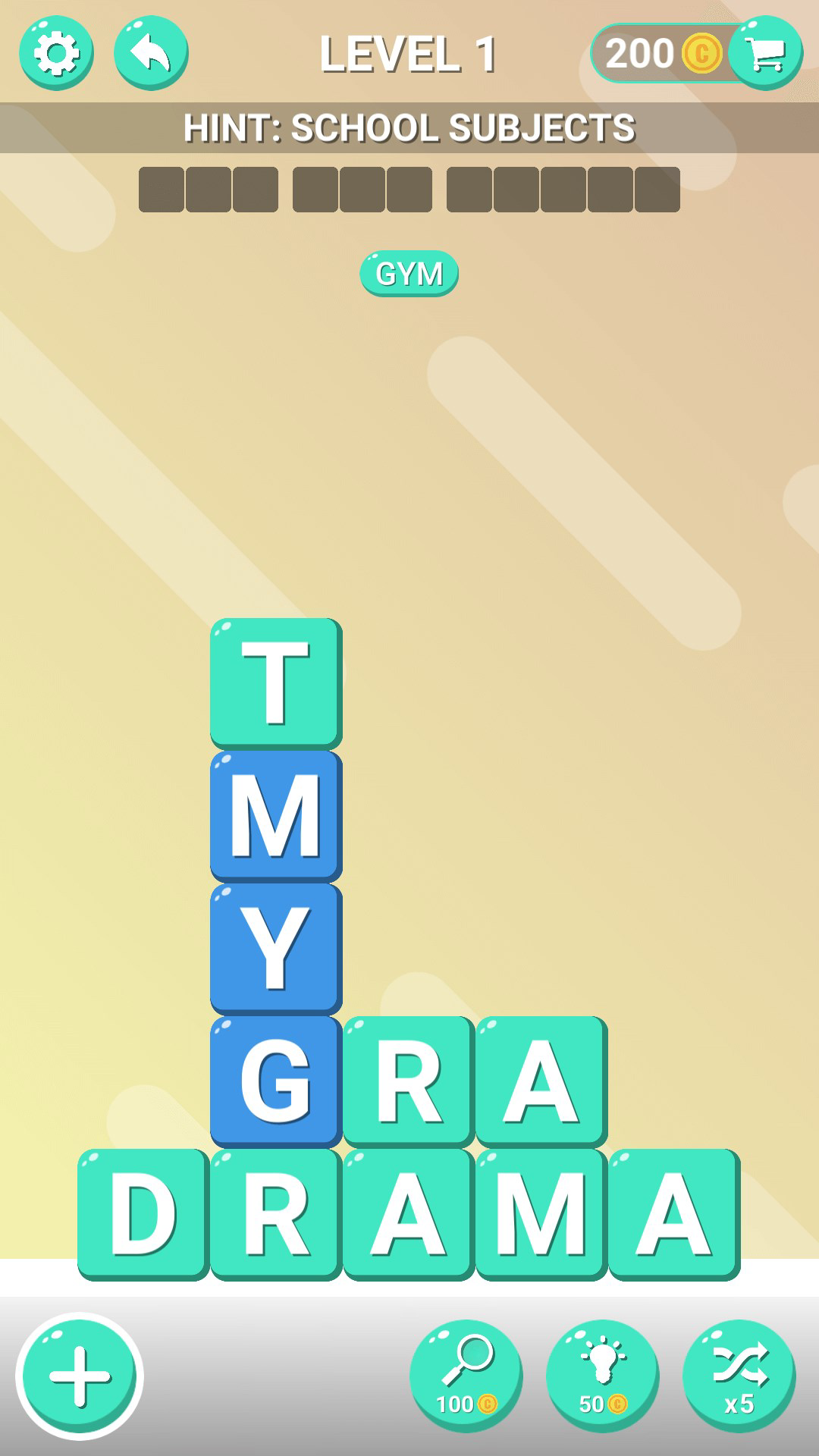
The user interface of Word Stacker - Word Game 2019 is designed with clarity and ease of navigation in mind. Players interact with a clean, grid-based layout where words are concealed within a stack of letters. Swipe gestures are responsive and intuitive, allowing for smooth word discovery without lag or input delay. The visual design emphasizes readability, with distinct letter highlighting and clear feedback when a word is successfully found.
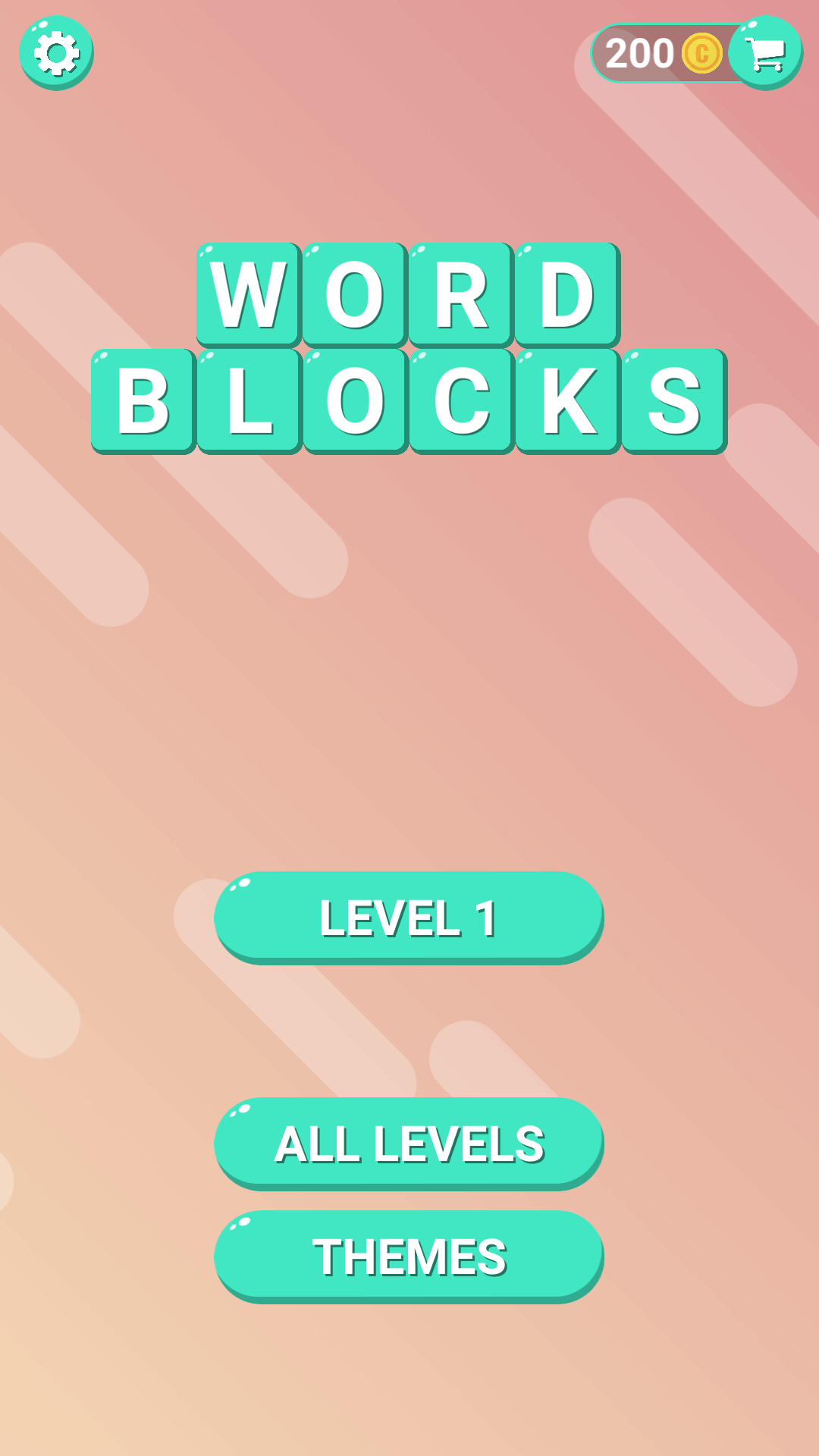
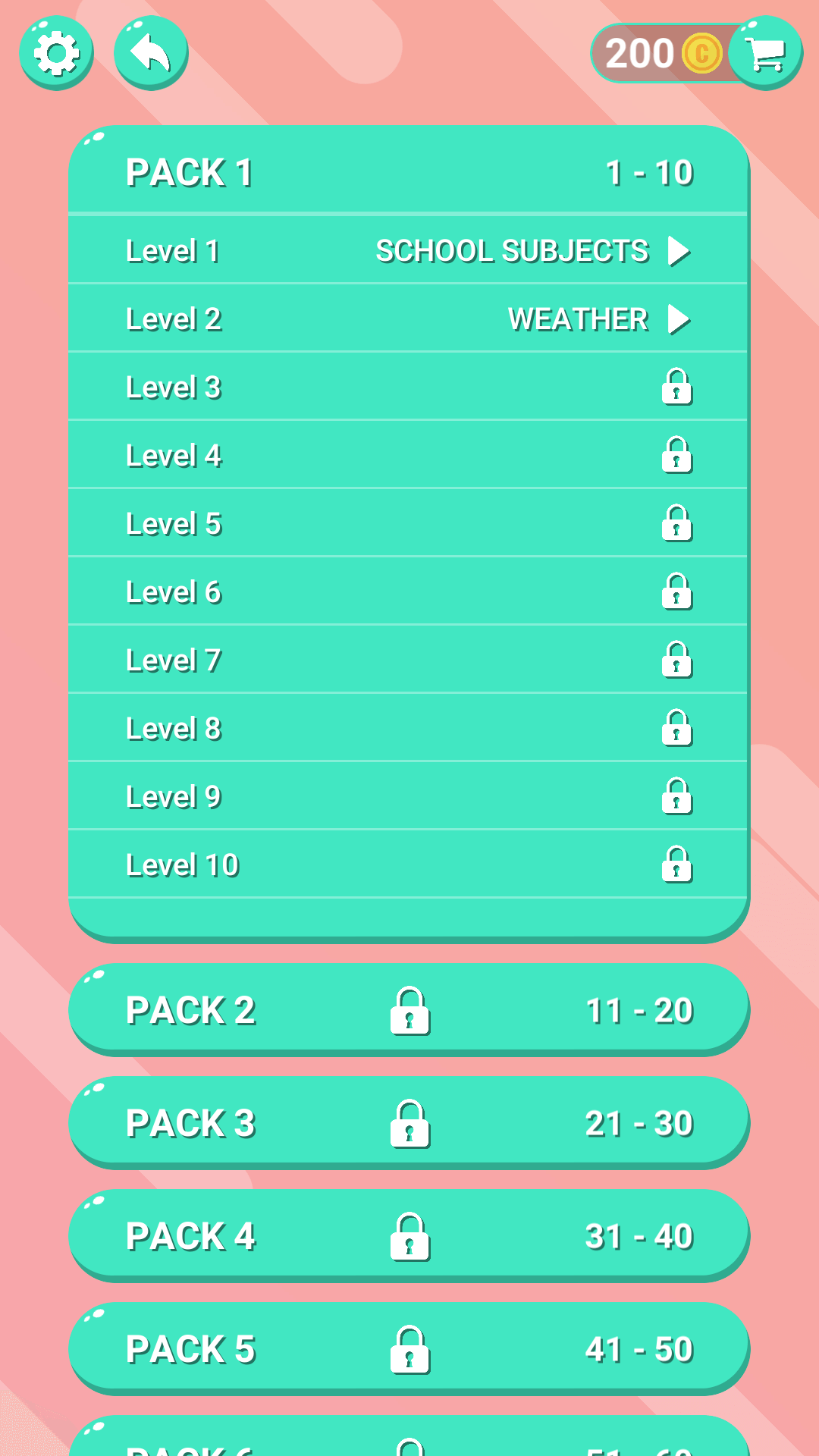
Navigational flow is straightforward: players select a level, engage with the puzzle, use power-ups if needed, and progress to the next stage. The app maintains consistent layout across levels, reducing cognitive load and enabling faster adaptation. Although the developer did not list formal performance metrics, the app’s 42.4 MB size suggests optimized resource usage, likely contributing to stable performance across mid-tier Android devices. Responsiveness appears reliable, with minimal delays during gameplay and level transitions. Stability is implied through the structured progression and absence of reported crashes in public listings. Overall, the UX supports both short bursts of play and extended sessions, making it accessible to users of varying technical proficiency.
Platform Compatibility & Technical Requirements
Word Stacker - Word Game 2019 is available exclusively on the Android platform. The app is compatible with devices running Android OS, though specific minimum OS requirements were not listed by the developer. The current version is 1.0.2, and the file size is 42.4 MB, indicating a lightweight installation that does not demand significant storage space. This makes it suitable for a wide range of Android smartphones and tablets, including entry-level models. While compatibility with specific device models or screen sizes was not disclosed, the app’s design suggests broad adaptability to different screen dimensions. The developer did not specify whether the app supports Android TV, wearables, or other non-smartphone devices. For users seeking to download or update the app, the Android ecosystem remains the sole avenue for access.
Pros and Cons
- Extensive library of over 3,000 levels ensures long-term engagement.
- Dynamic puzzle mechanics provide evolving challenges and visual feedback.
- Power-ups offer strategic assistance without undermining difficulty.
- Customization options enhance personalization and motivation.
- Lightweight file size (42.4 MB) supports easy installation and low storage impact.
- Platform availability is limited to Android; no iOS version was confirmed.
- Specific system requirements were not disclosed.
- Monetization model is not detailed—potential for in-app purchases beyond the free base.
- Real-time multiplayer or social features were not mentioned.
- Progress syncing across devices was not specified.
FAQ
Is Word Stacker - Word Game 2019 free to download?
Yes, the app is available for free download on the Android platform. Additional content or features may be accessible through in-app purchases, though the core gameplay is provided at no cost.
Can I play Word Stacker offline?
The app supports offline gameplay, allowing users to enjoy puzzles without an internet connection. This makes it ideal for travel, commutes, or areas with limited connectivity.
Are there ads in Word Stacker - Word Game 2019?
The developer did not specify the presence or absence of advertisements. While the app is free, ad integration cannot be confirmed or ruled out based on available information.
How often are new levels added?
According to the app’s description, new levels are added periodically. However, the frequency and update schedule were not detailed by the developer.
Is the app safe to install on Android devices?
Word Stacker - Word Game 2019 is available through official Android channels and does not require root access. Its 42.4 MB size and lack of unusual permissions suggest a standard, secure installation. As with any app, users should download from trusted sources to ensure safety.
Final Thoughts
Word Stacker - Word Game 2019 delivers a compelling blend of entertainment and mental engagement, making it a valuable addition to the puzzle genre. Its innovative swipe-based mechanics, vast level library, and thoughtful customization options cater to a broad audience—from students building vocabulary to seniors seeking cognitive stimulation. The lightweight design ensures smooth performance on a variety of Android devices, while the free model lowers the barrier to entry. Although platform availability is currently limited to Android and specific technical details are sparse, the app’s core experience remains strong and focused. For anyone looking to enhance word skills through fun, interactive challenges, this game offers a rewarding and accessible experience. Download Word Stacker - Word Game 2019 now.
Guides & Tutorials for Word Stacker - Word Game 2019
How to install Word Stacker - Word Game 2019
- Click the Preview / Download button above.
- Once redirected, accept the terms and click Install.
- Wait for the Word Stacker - Word Game 2019 download to finish on your device.
How to use Word Stacker - Word Game 2019
This software is primarily used for its core features described above. Open the app after installation to explore its capabilities.
User Reviews for Word Stacker - Word Game 2019 0
No reviews found


